
Landscaping app
A landscape app with nothing to install and nothing locked
Photograph the yard, get eight finished designs. The free ten are full size and watermark-free, same as paid.
10 free designs · no credit card
01 — Presets
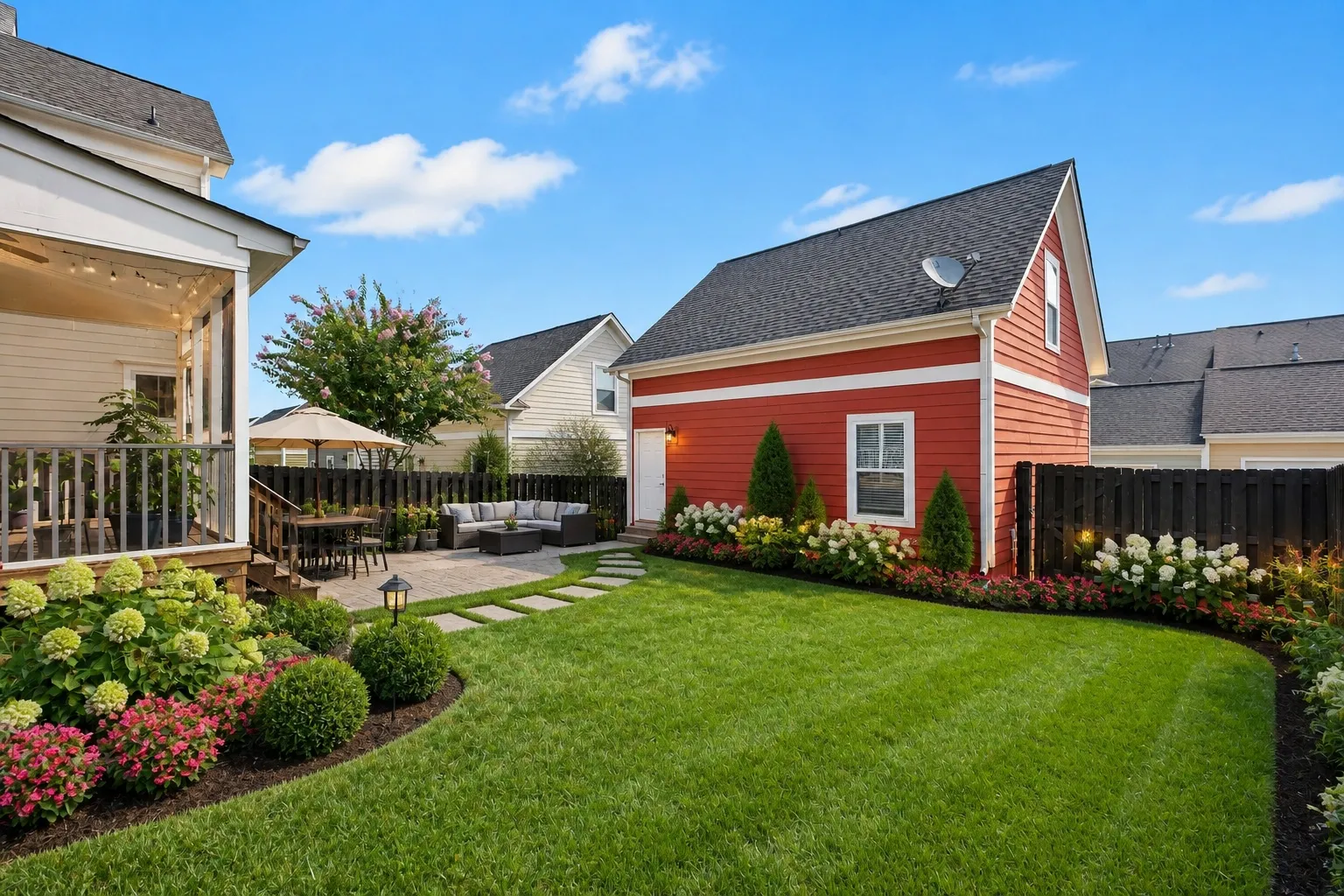
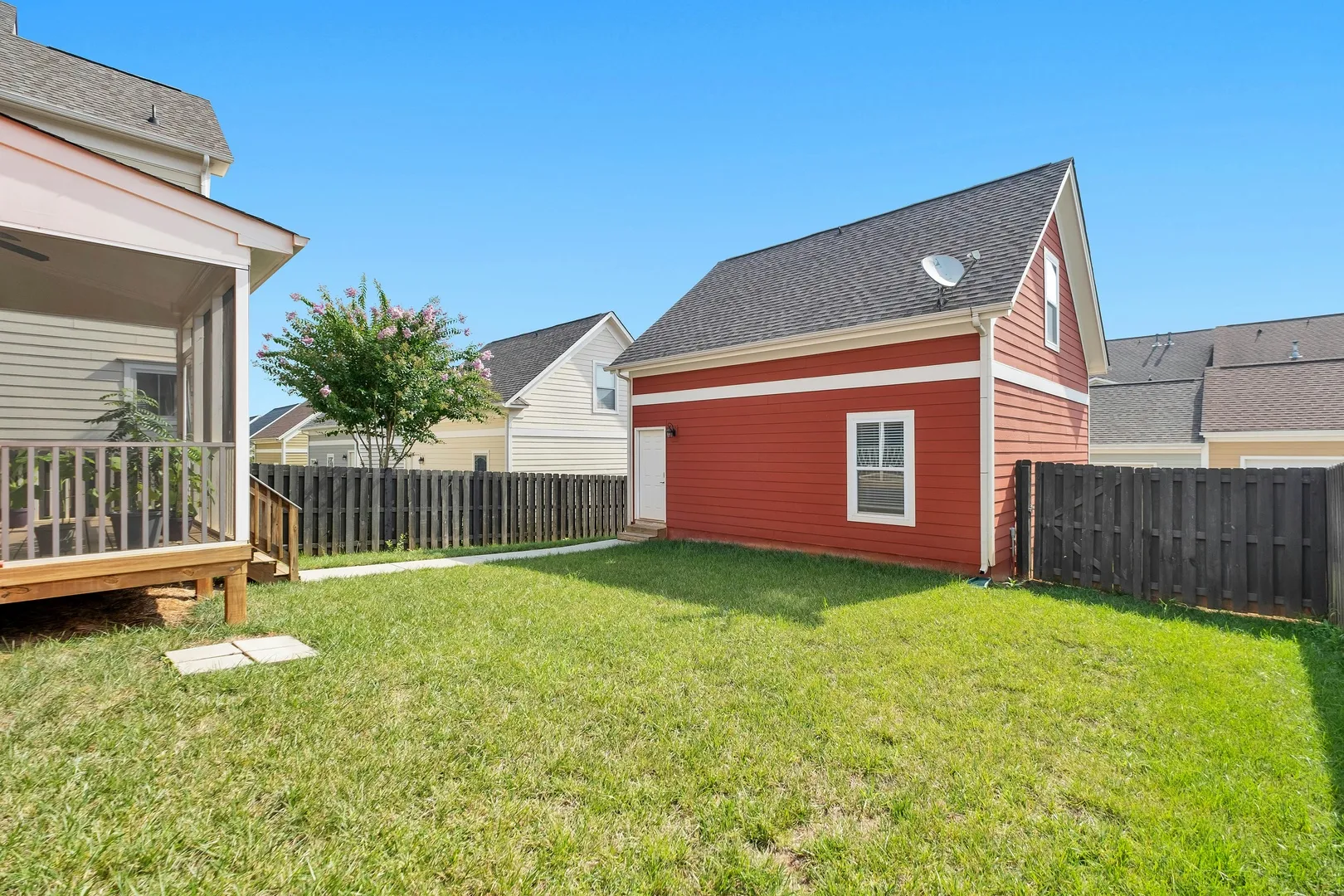
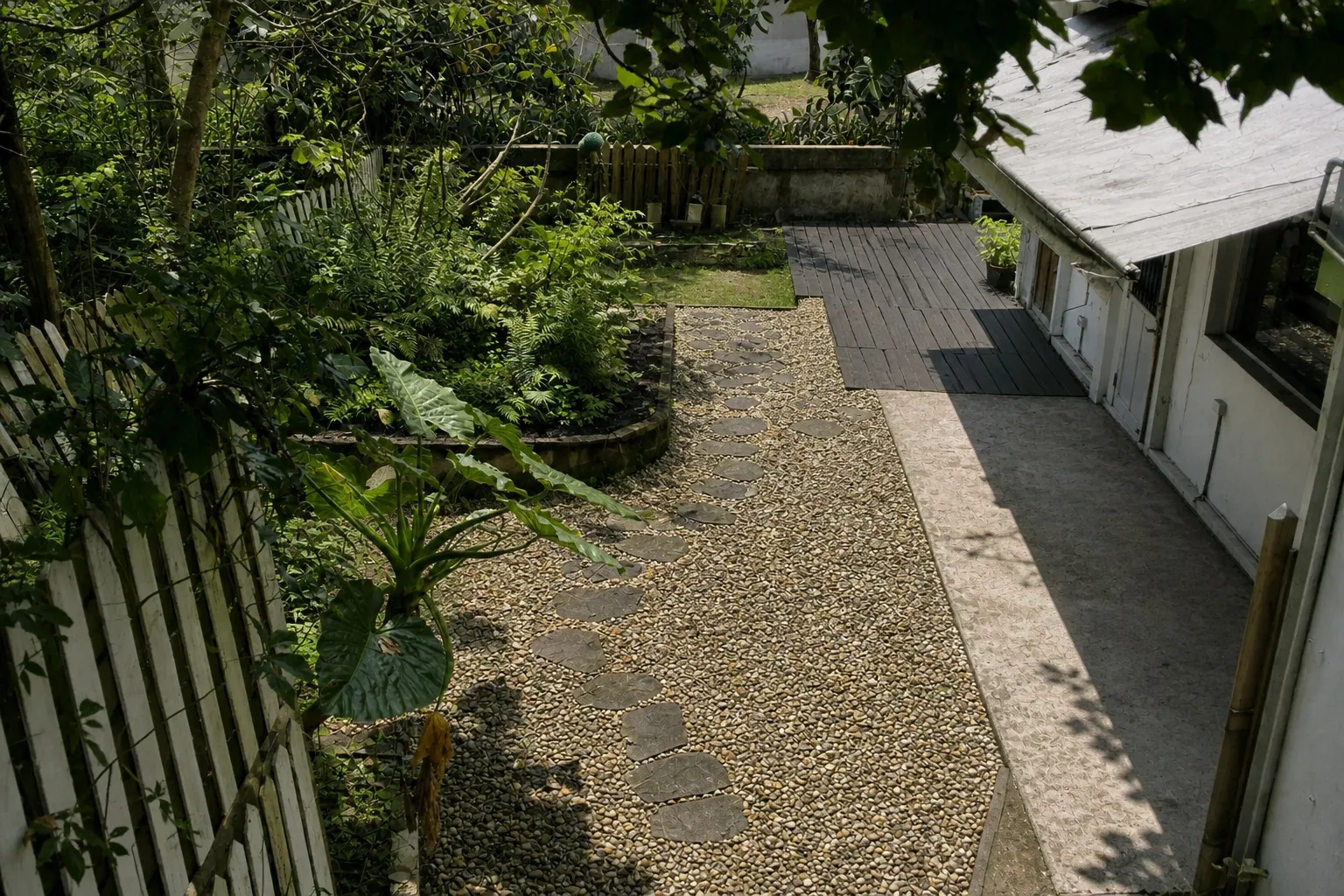
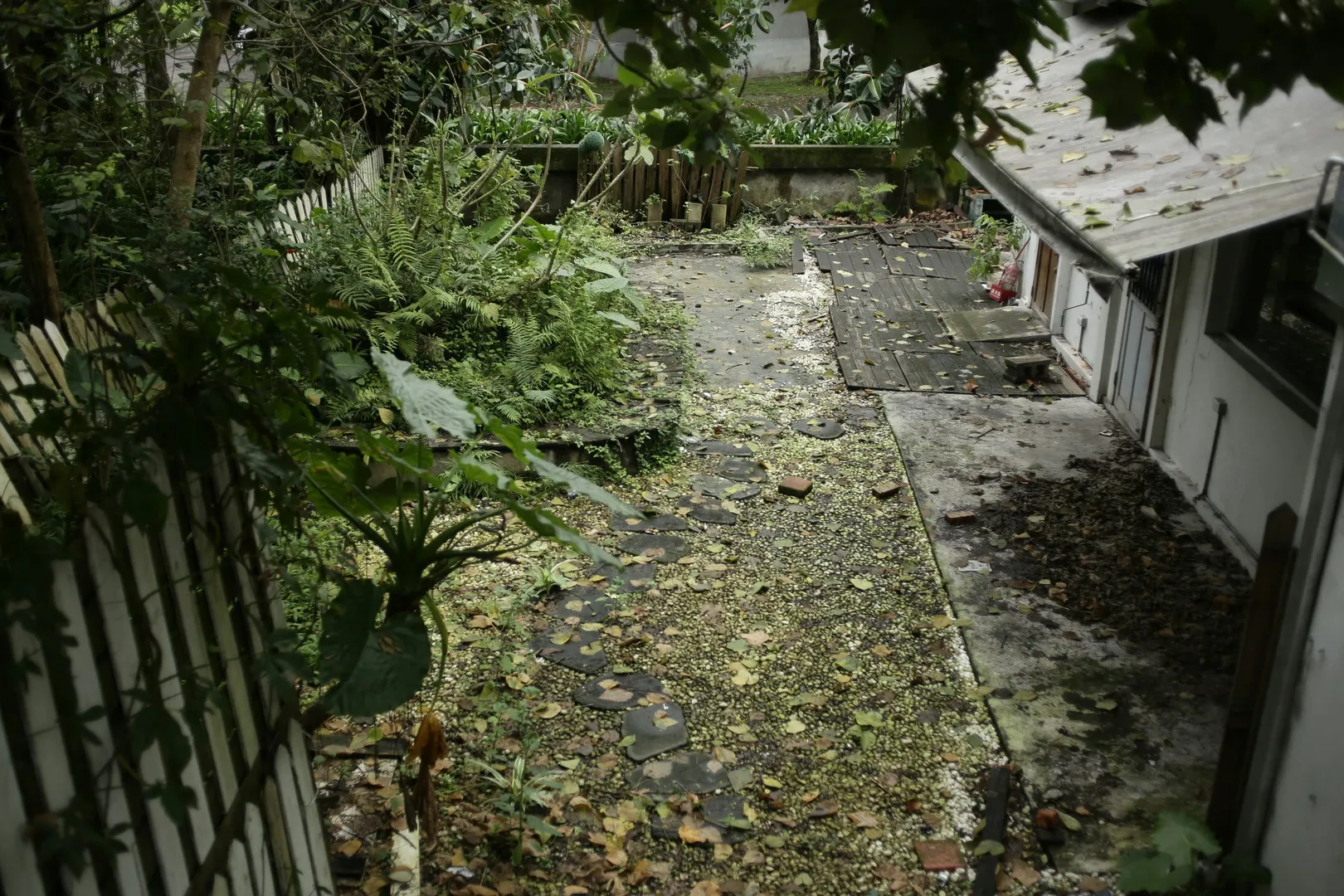
Landscape Yard and Tidy Yard do the designing; the house presets ride along
Everyone knows the moment: the style that finally looks like your yard turns out to be the locked one.
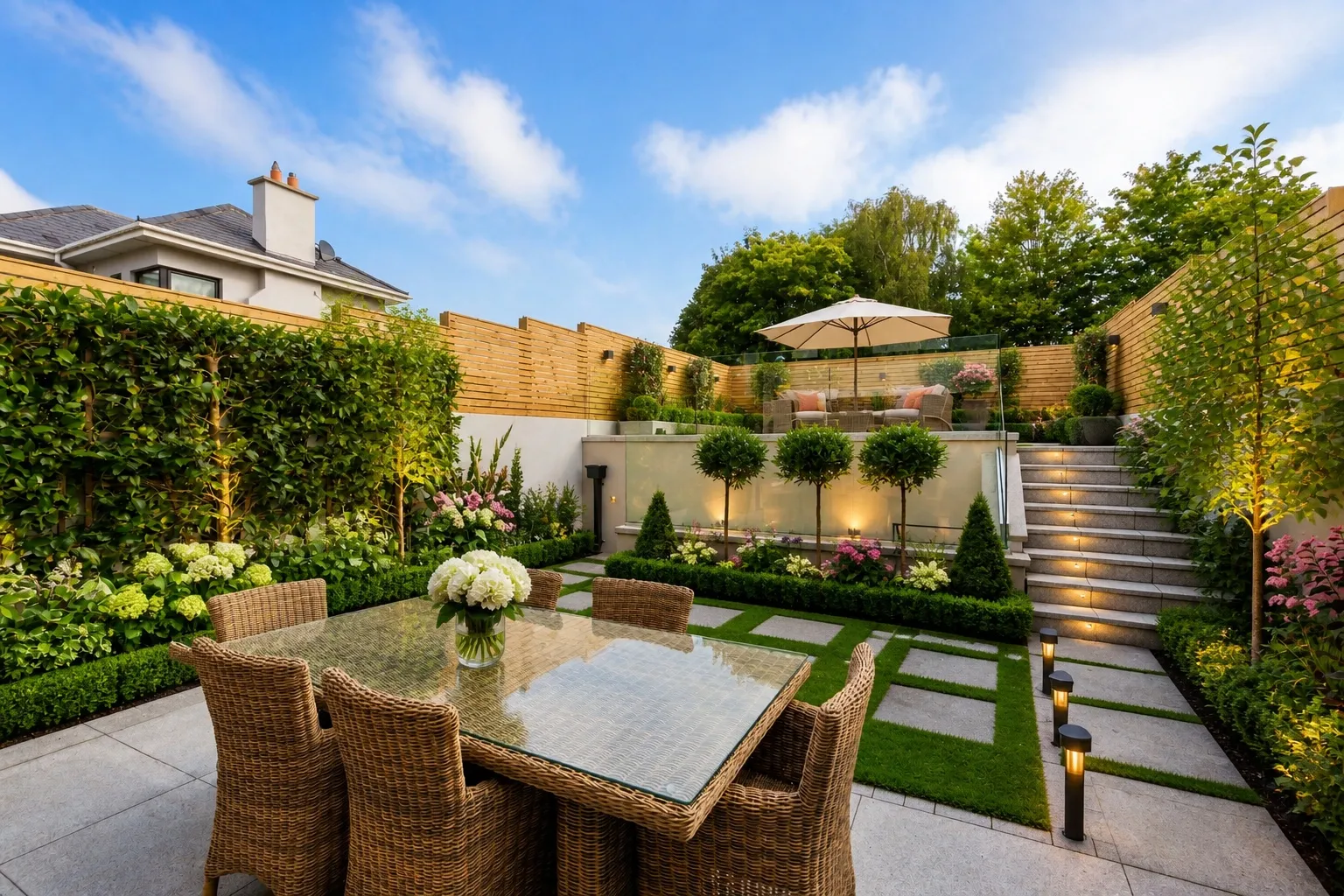
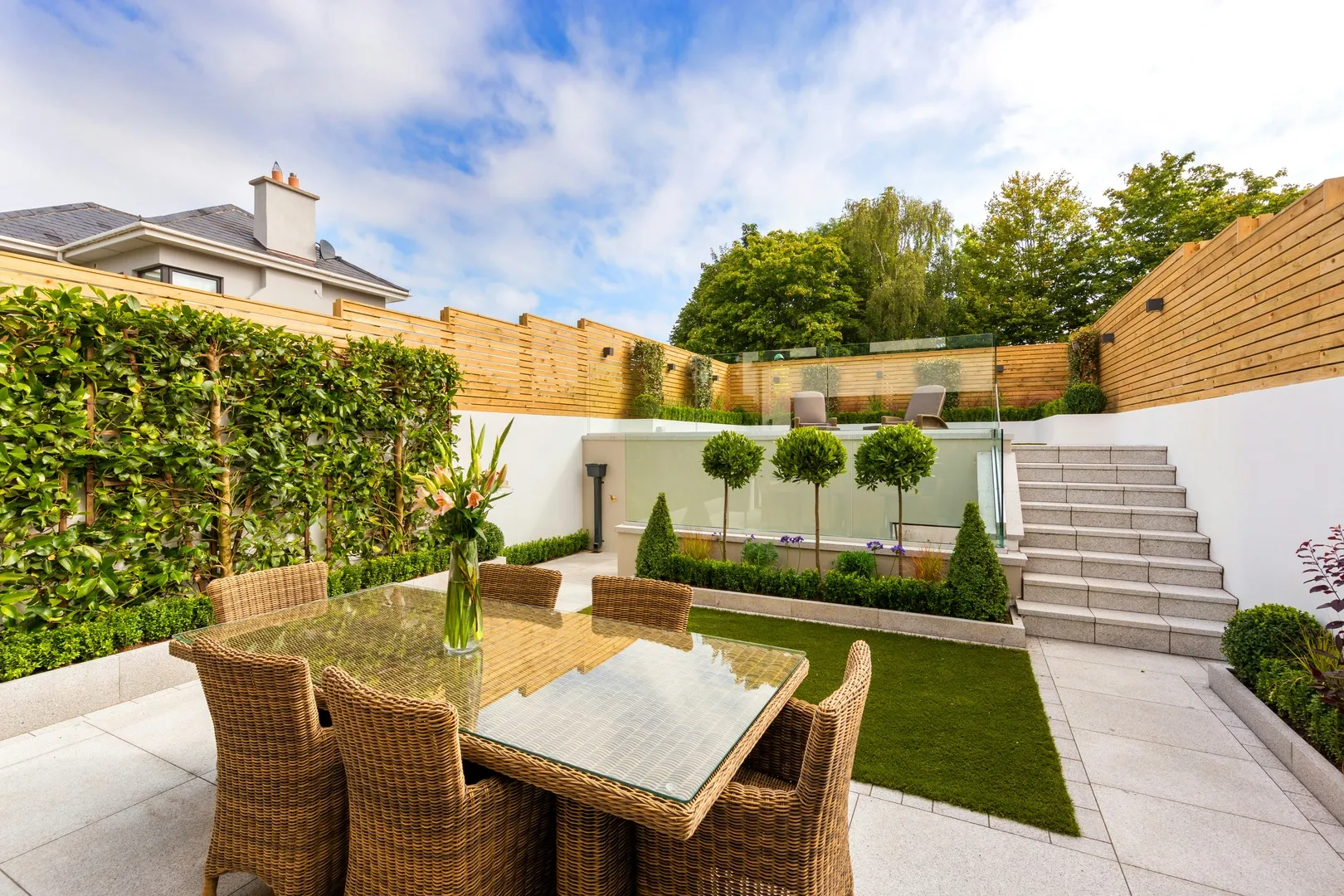
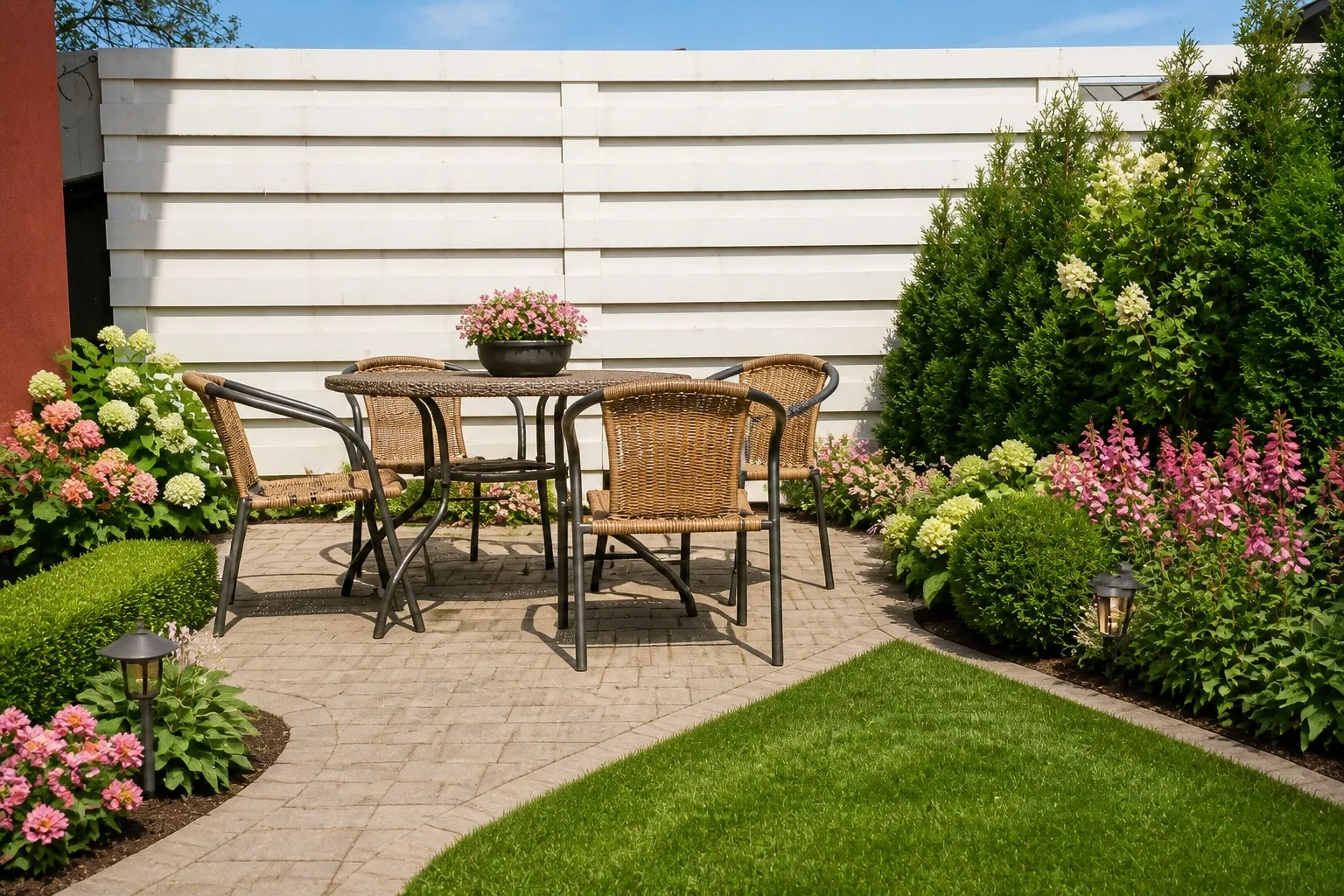
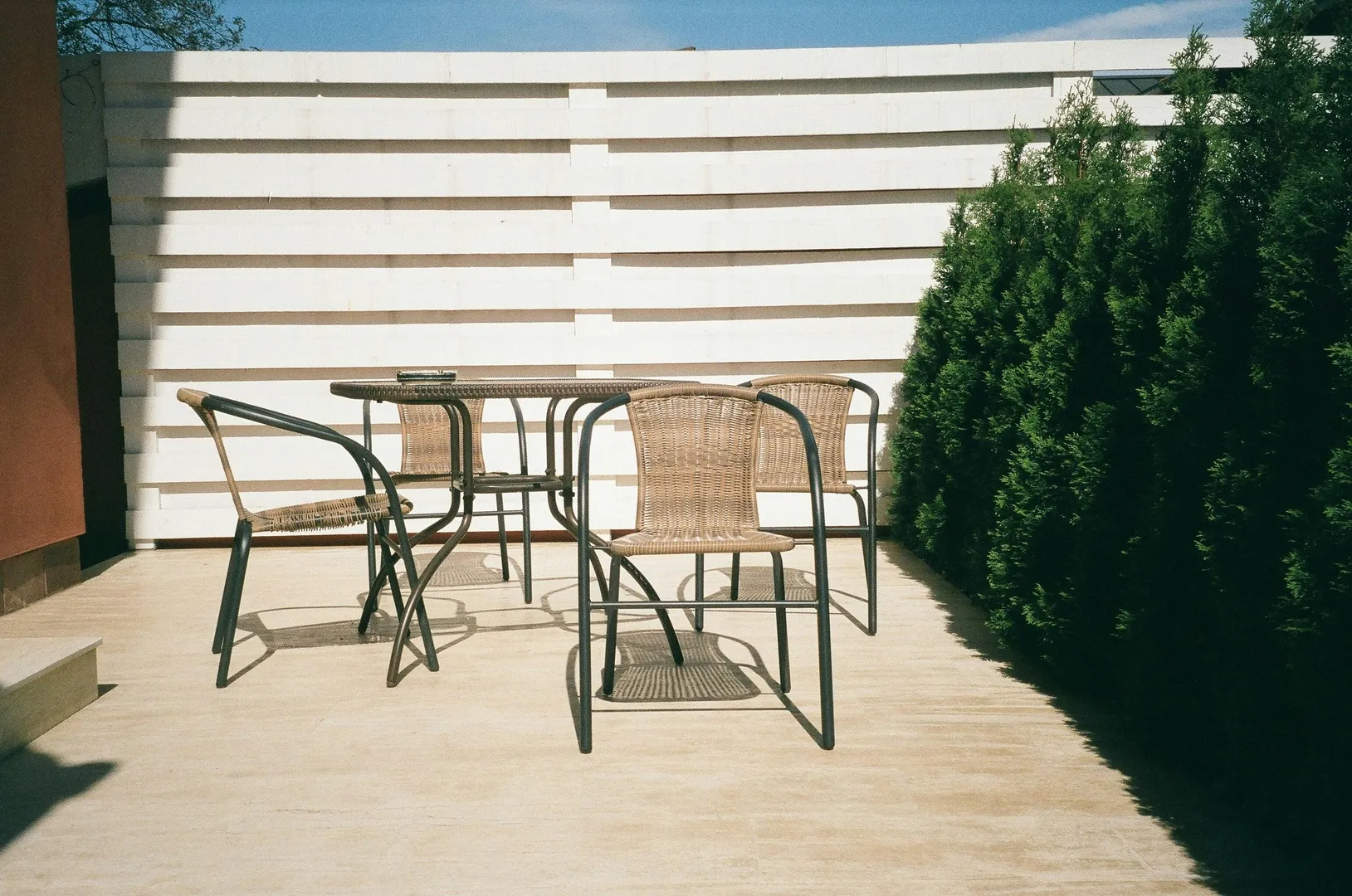
02 — Yards
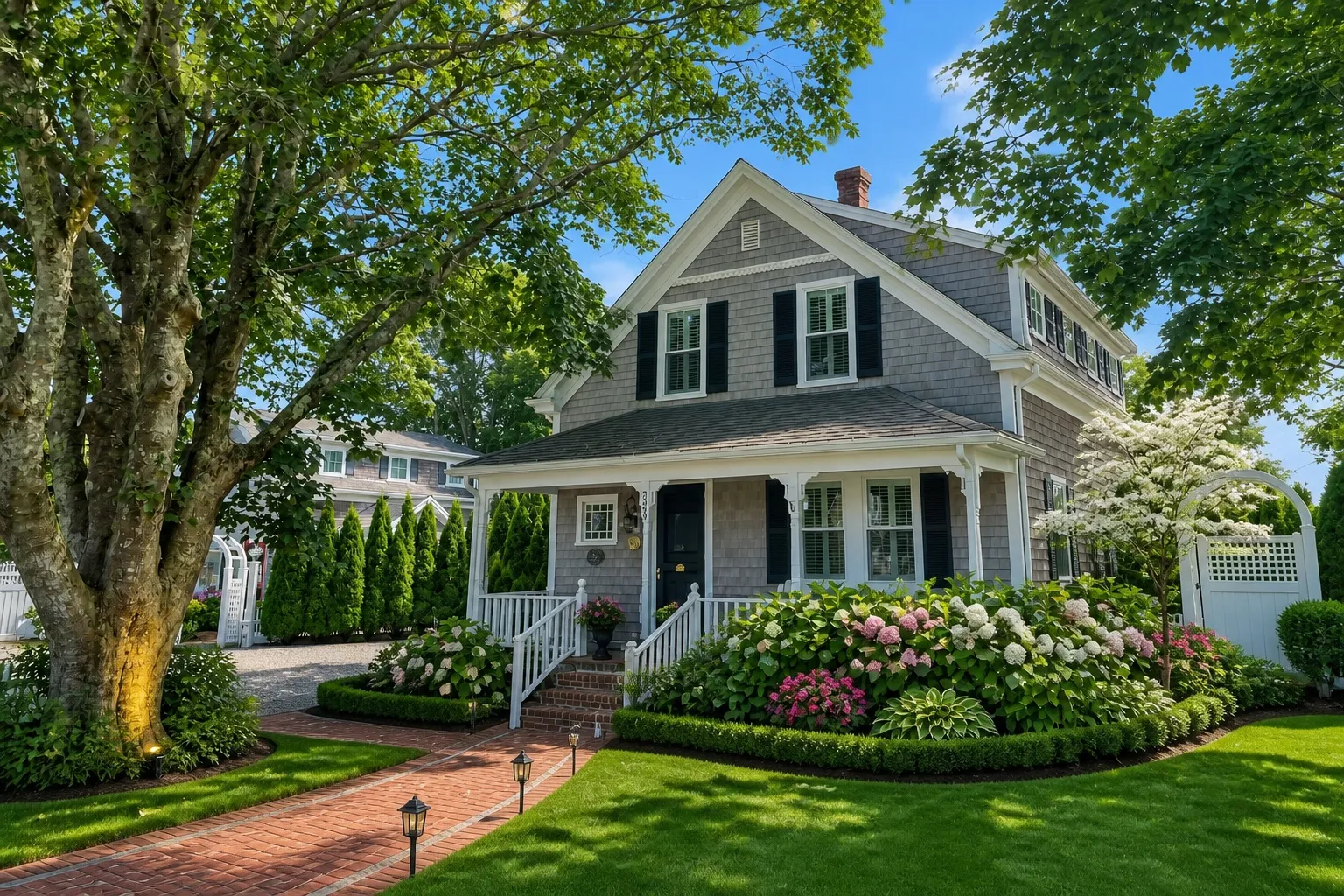
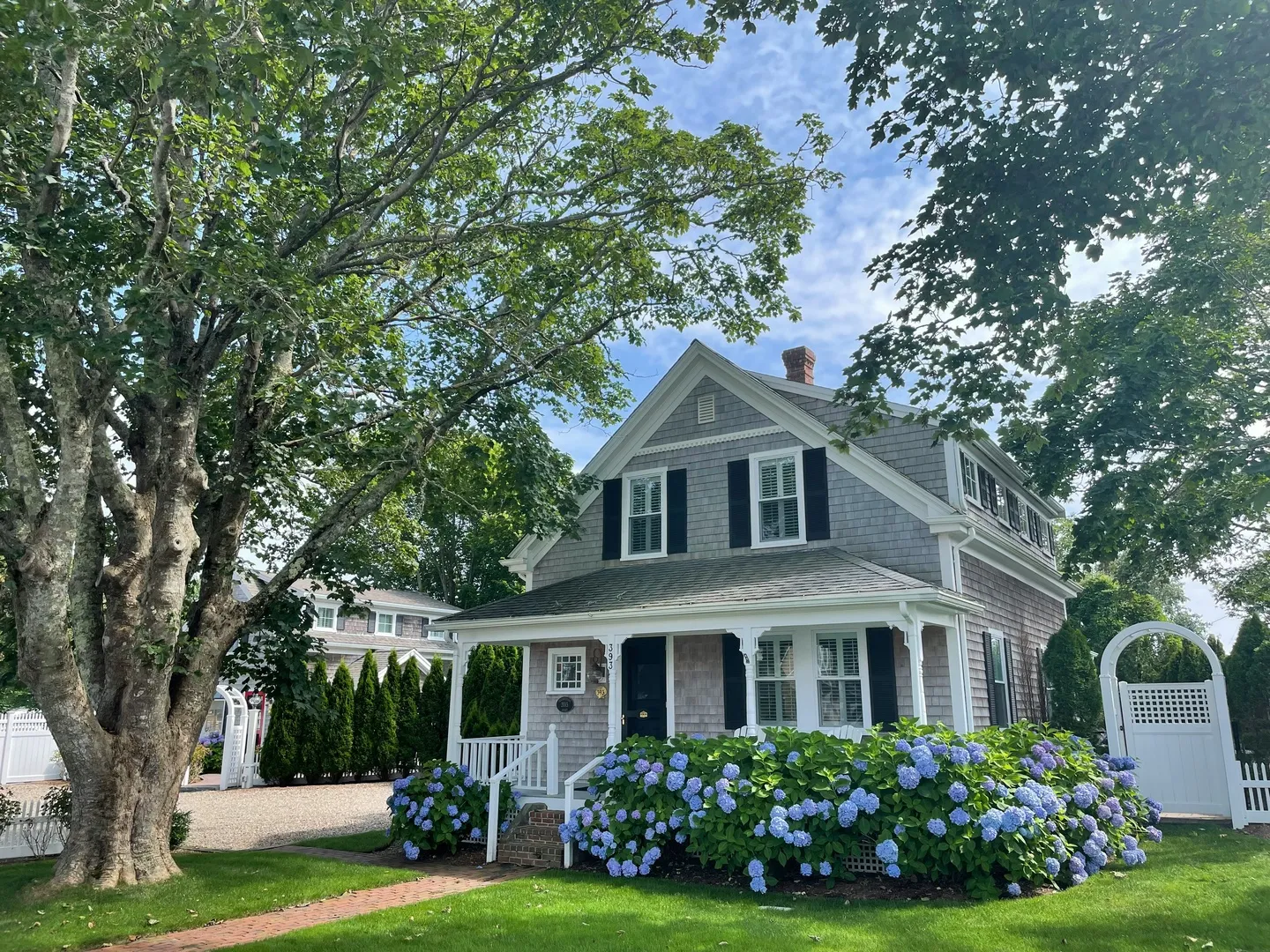
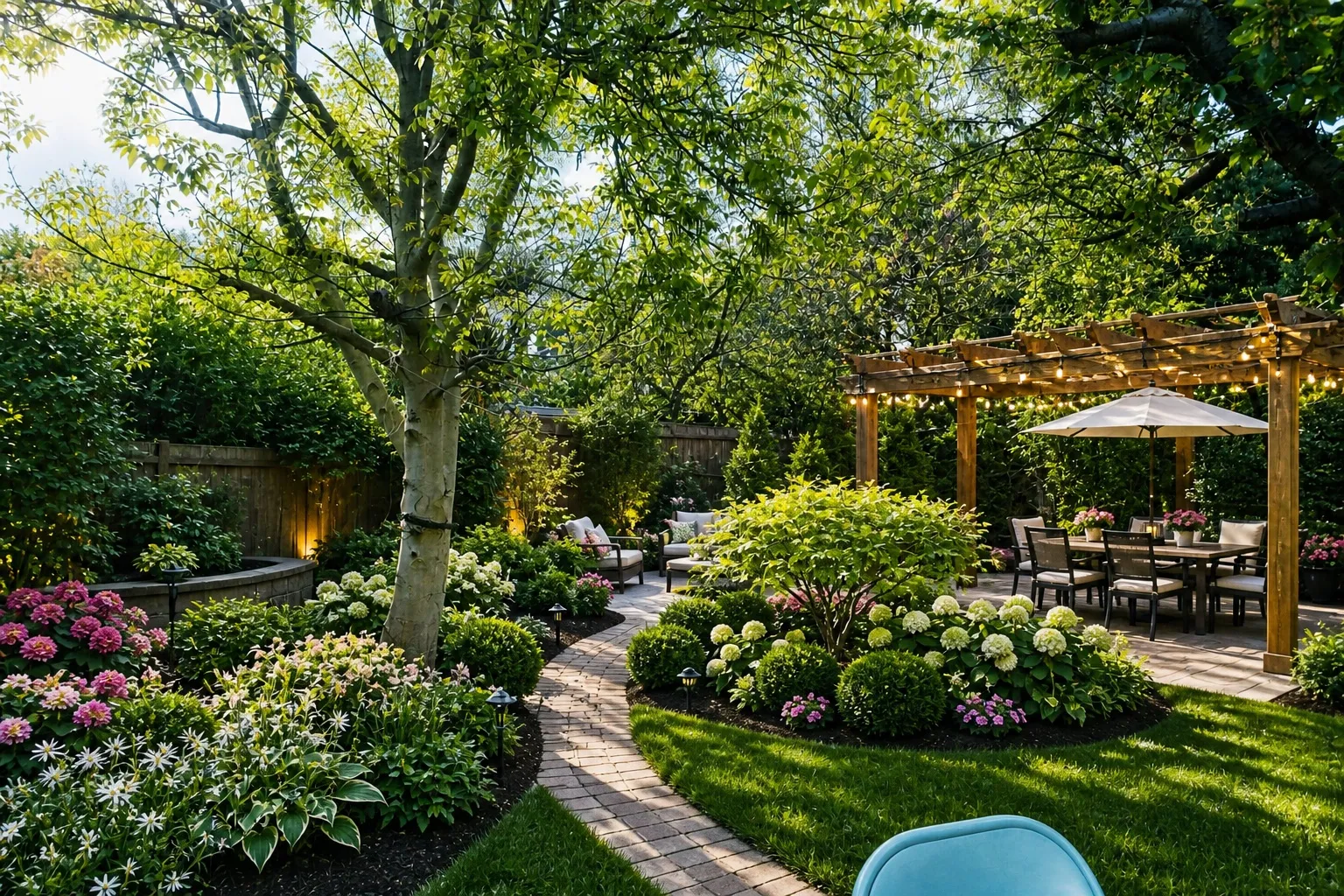
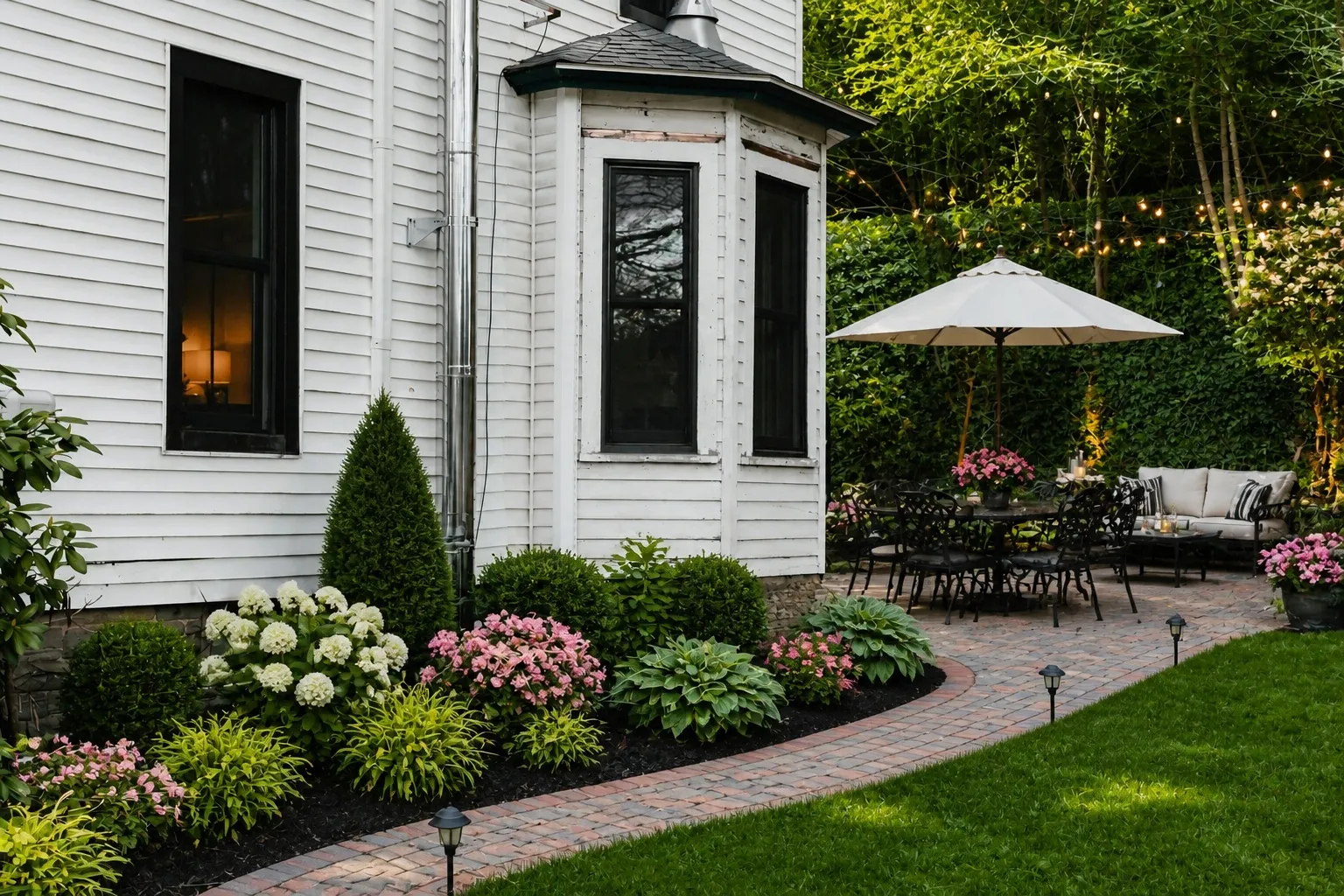
Say what you are after, get the whole yard back
Low upkeep, color in spring, somewhere to sit. The AI returns whole ideas, not a planner grid.
03 — How it works
Three steps, about a minute
Take a photo of the room. A phone shot from the doorway is enough; no need to tidy up first.
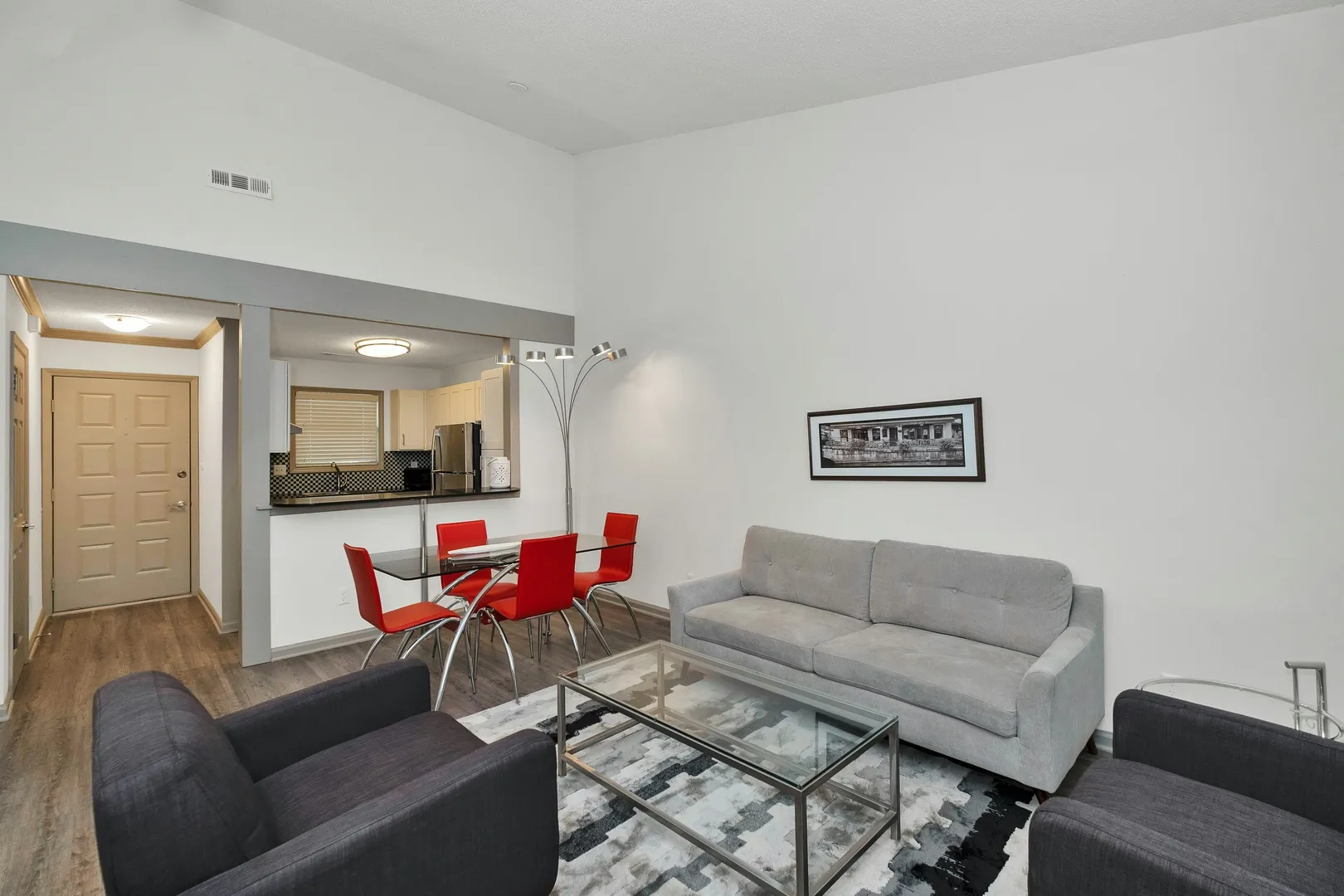
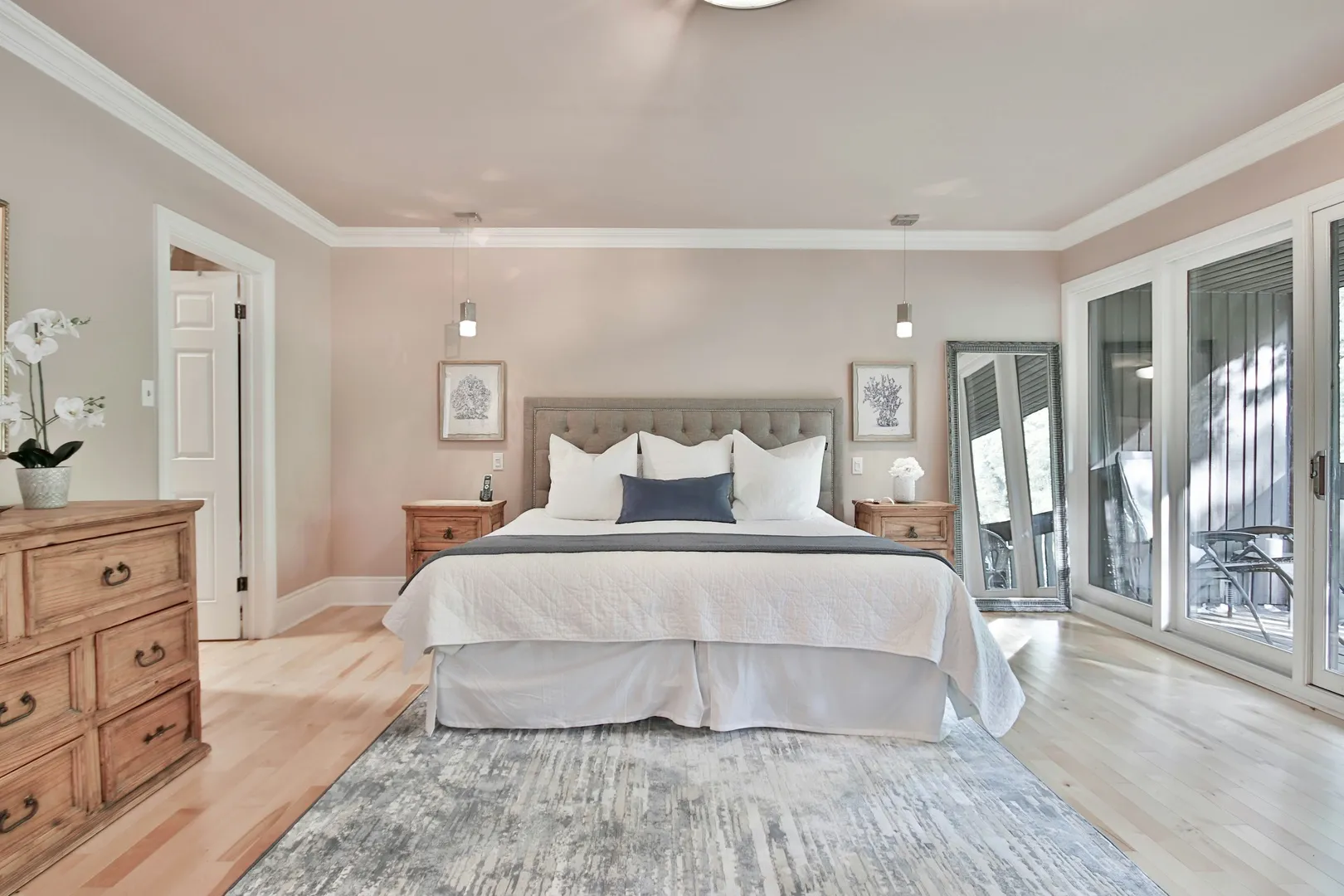
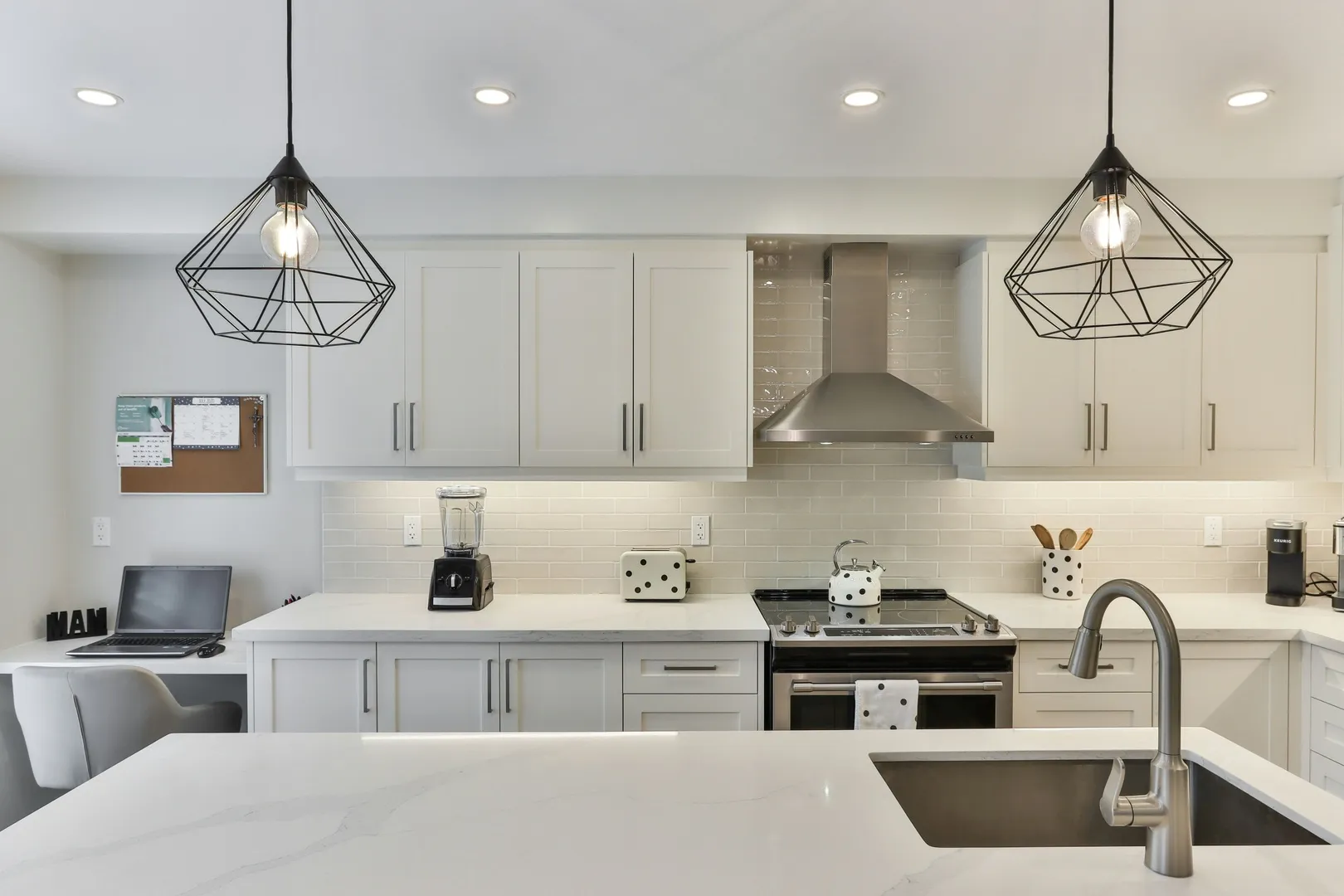
Say what to change. Pick a style, or name one thing: the sofa, the wall color, the cabinets, the empty corner.
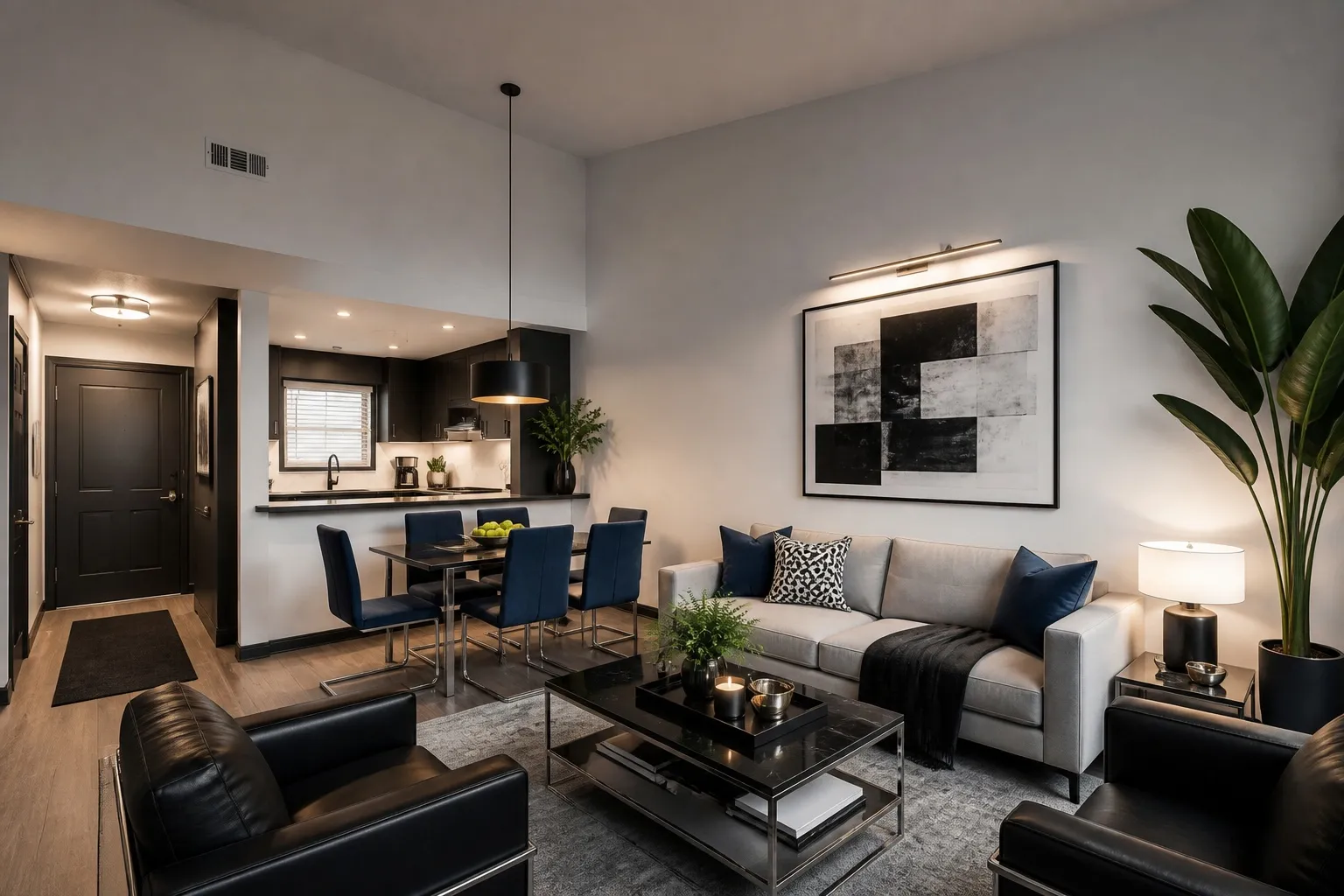
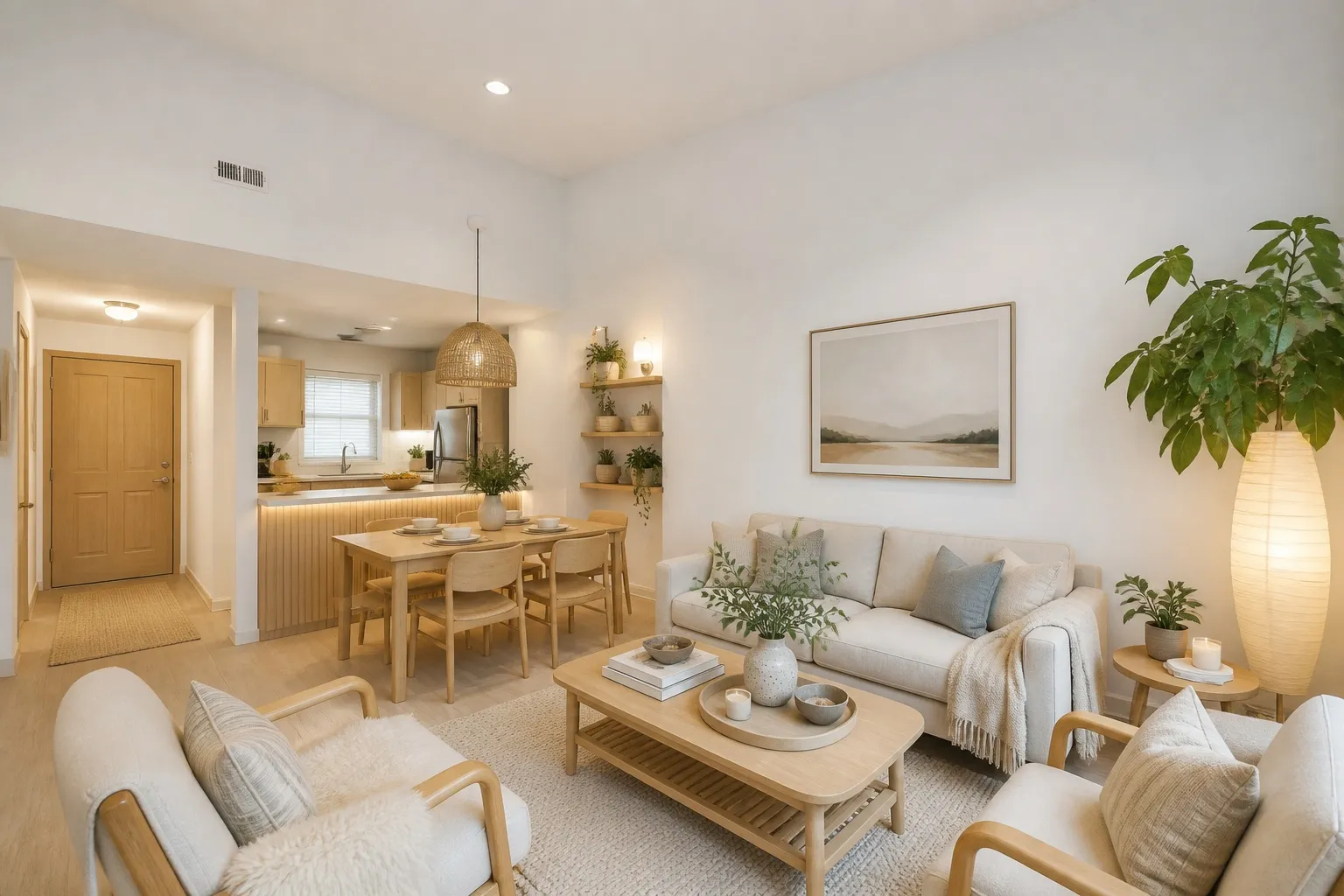
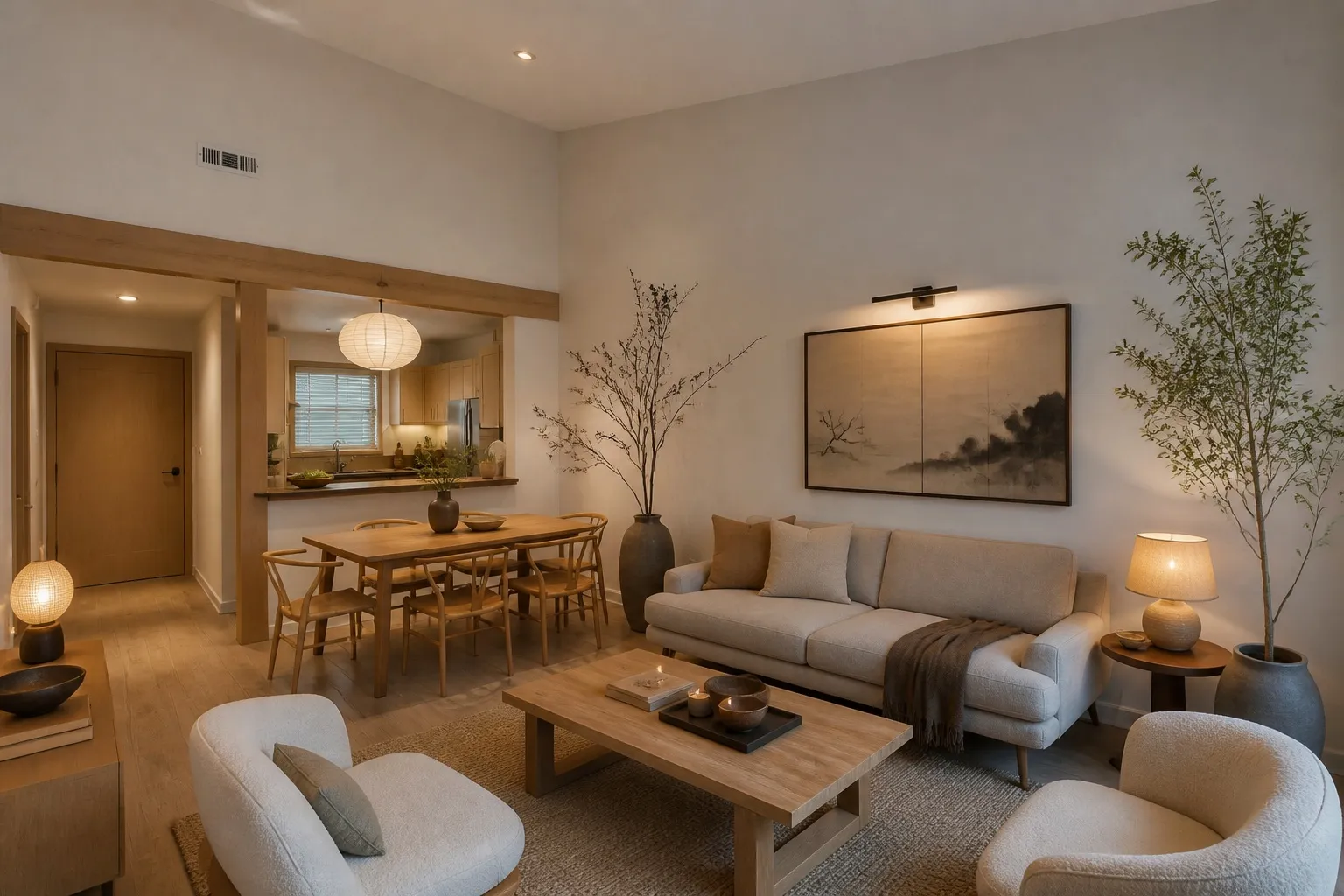
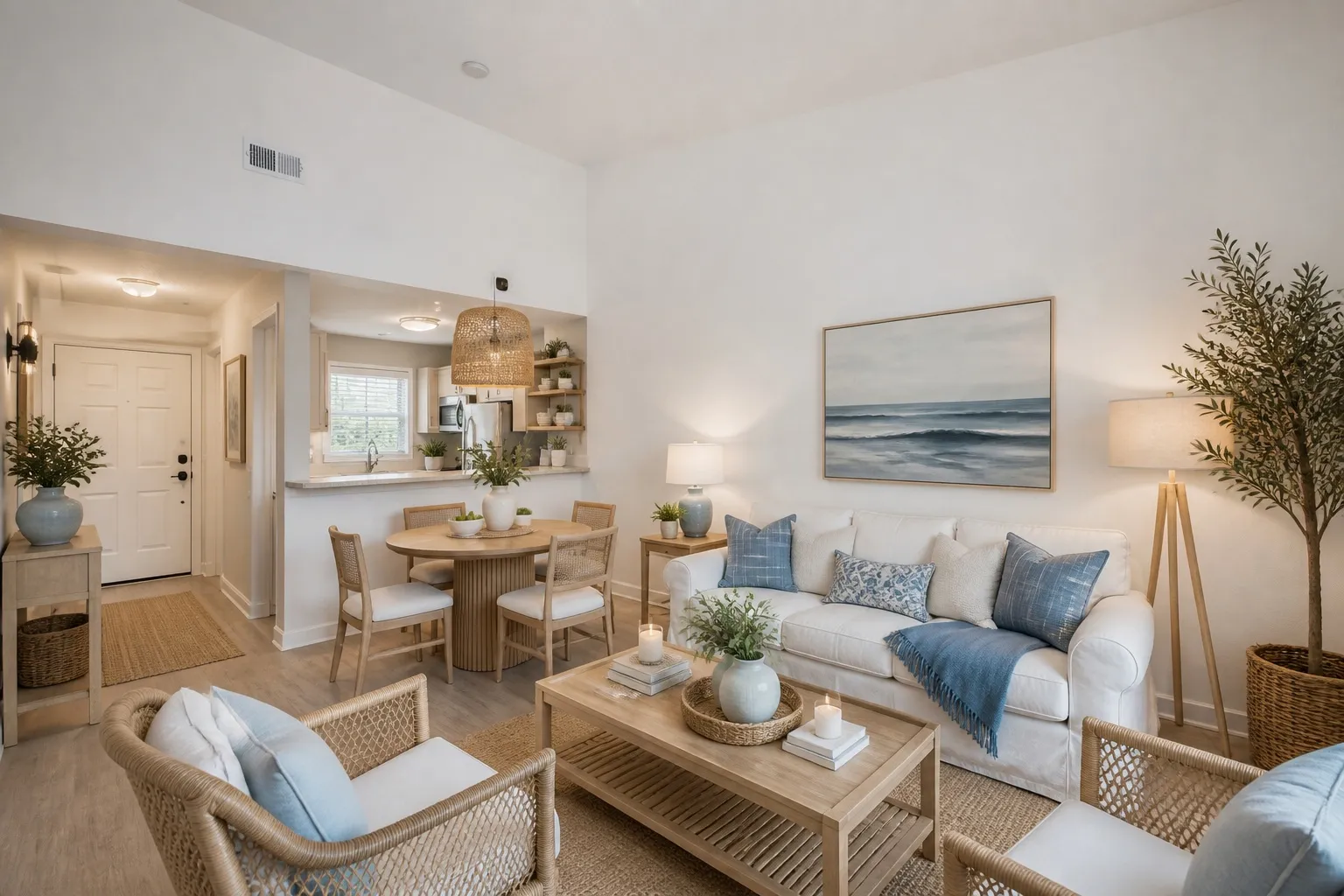
Get it back and keep going. Change your mind, run it again, compare the versions side by side.
04 — Pricing
Pay for what you use
10 designs free when you sign up. After that you buy packs of credits from $9, one credit per design. No subscription, so there's nothing to cancel.
10 designs free when you sign up. No credit card, no trial to cancel.
Starter
Enough to settle one room.
$9
Studio
The whole place, every idea you have.
$39
Save 57%Standard
A few rooms, a few directions each.
$19
Save 30%05 — Questions and answers
Straight answers
What is the best landscape app?
For scale drawings, a CAD tool. For your own yard, one that works from a photo and shows its free limit upfront.
Is the landscaping app free?
Ten designs free at full quality with an account, then credits from $9 for twenty.
Do I need to download it from the App Store?
No. It runs in the phone browser.
Is there an AR mode?
No. You get a finished picture of the whole yard rather than objects placed through the camera.
Will it move my fence?
No. Structures, the property line and the trees stay. Planting and paving change.
Do landscape architects use it?
Some do, for the first conversation with a client. It does not replace the drawings.
Where does the photo go?
Into your account, to make your designs, and nowhere further. Deleting it is final. Sign-up first, then the free ten.
Ten versions of the yard before the weekend is planned
10 free designs · no credit card